
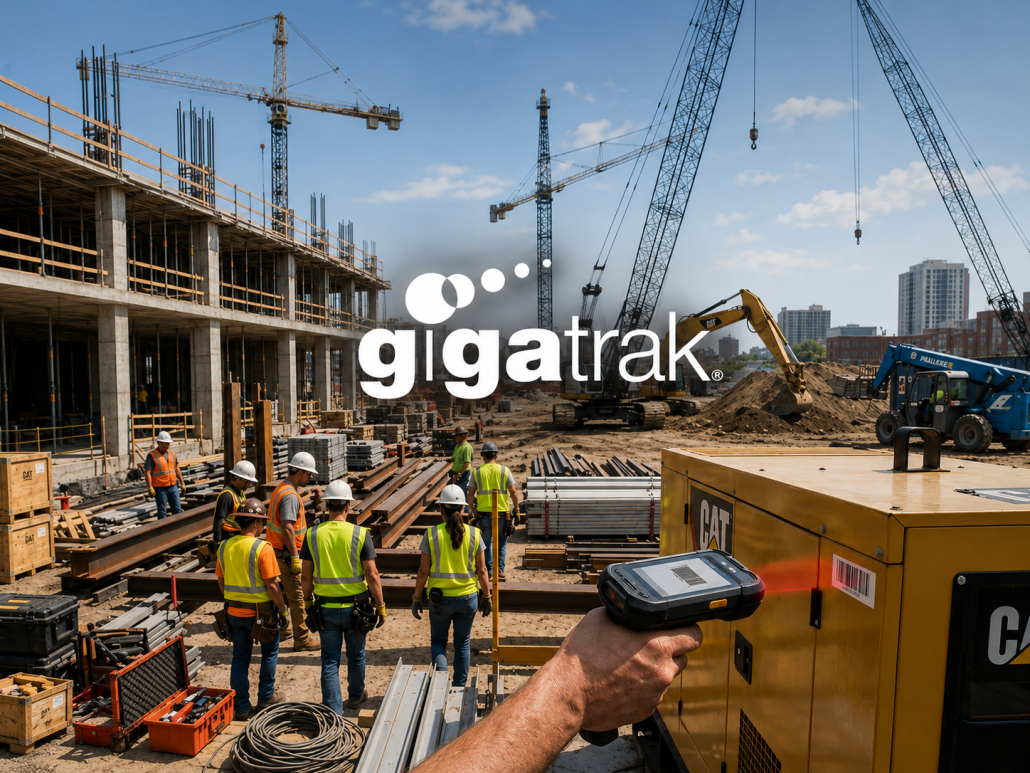
How to Track Job Site Equipment with an Equipment Tracking System

How to Track Equipment Across Multiple Job Sites with an Equipment Tracking System
An equipment tracking system is specialized software that monitors tool locations, usage history, and maintenance schedules across multiple sites in real time.
For over 30 years, GigaTrak has provided field-tested barcode tracking software to organizations like the FDNY, Lockheed Martin, the US Army, and Virginia Public Schools. Whether running a central warehouse or managing dozens of field sites, proper tracking keeps equipment accountable and projects moving forward.
The Hidden Costs of Poor Jobsite Inventory Control
Managing tools across multiple active locations creates hidden leaks in your budget.
- Tool hoarding and ghost inventory: Crew leaders often keep high-demand tools in work trailers after a job wraps up. Unscanned equipment sits idle instead of returning to central stock.
- Redundant purchasing: Project managers waste money buying tools they already own because nobody knows where the original tools were left.
- Unplanned downtime: Out-dated maintenance logs lead to sudden tool failures in the field, delaying work crews.
- Zero personal accountability: Without digital signatures on transfers, locating who last used a damaged or missing tool becomes impossible.
5 Steps to Track Tools Across Multiple Jobsites
Fixing asset management across field locations requires practical digital checks and everyday tool crib discipline.
1. Label Every Asset with Barcode Tags
Apply high-durability barcode labels to every physical asset. Barcode tags cost a fraction of expensive RFID setups and stand up to harsh weather. Mobile scanners read barcodes in seconds, eliminating manual data entry mistakes.
2. Deploy Purpose-Built Tracking Software
Spreadsheets and paper logs fail as soon as equipment leaves the main warehouse. A dedicated equipment tracking system maintains a live audit trail of who checked out each tool, which job site it sits on, and when it is due back.
3. Enforce Strict Chain-of-Custody Workflows
Require a digital check-in and check-out step for every asset move.
- Warehouse to job site: The main crib manager scans tools out to a specific job site supervisor.
- Job site to job site: Both the sending and receiving foremen confirm transfers using handheld scanners or mobile apps.
- Return to inventory: Items coming back to the shop are scanned in and flagged for inspection if damaged.
4. Schedule Automated Maintenance Alerts
Equipment tracking goes beyond physical locations. Track service logs, run calibrations, and schedule preventative maintenance inside your system. Set automated alerts so broken tools never get dispatched to a new job site.
5. Run Fast Mobile Audits in the Field
Equip supervisors to run spot audits on active sites. Scanning every tool in a job trailer takes five minutes. Audits quickly expose discrepancies between actual physical inventory and system logs, cutting tool loss by up to 40%.
Key Features in an Equipment Tracking System
| Feature | Jobsite Advantage |
| Barcode Scanning | Speeds up check-outs and cuts entry errors compared to paper sign-outs. |
| Chain-of-Custody Logging | Records timestamps, exact job locations, and employee signatures. |
| Virtual Container Tracking | Groups tools into job trailers or gang boxes to move whole kits together. |
| Maintenance Tracking | Logs repairs and safety checks to prevent sudden jobsite breakdowns. |
| Self-Hosted or Cloud Options | Runs on-premise for secure facilities or in the cloud for easy site access. |
Scale Your Field Operations with GigaTrak
GigaTrak provides straight-forward barcode tracking software that eliminates tool loss without unnecessary tech complexity. Supported directly by a US-based team, GigaTrak offers both cloud-hosted and self-hosted on-premise installations.
Why Teams Rely on GigaTrak:
- Cost-effective barcode tagging: Avoid delicate, expensive hardware while maintaining total tool control.
- Gang box and trailer grouping: Assign dozens of tools to a mobile unit and track the entire container at once.
- Signature capture: Require employee signatures on checkout to hold crews accountable for gear.
- Dedicated US support: Get direct support from software experts based right here in the USA.
Frequently Asked Questions
What is an equipment tracking system?
An equipment tracking system is specialized software that uses barcodes or asset tags to track physical tools, equipment locations, employee usage, and maintenance schedules across multiple locations.
How does barcode tool tracking compare to RFID tracking?
Barcode tracking uses durable, low-cost asset tags scanned by optical readers. It provides a highly reliable, cost-effective way to verify chain of custody without the high tag costs, delicate scanners, or signal interference common with RFID systems.
Can an equipment tracking system work without constant internet access?
Yes. Systems with on-premise options or offline mobile scanning allow field crews to scan tools inside remote job trailers or secure facilities without active cellular signals, syncing data once reconnected.
Ready to Stop Losing Tools on the Job Site?
Stop letting lost gear and missing tools drain your project profits. GigaTrak gives your team complete control over every tool in your fleet.
Request a Consultation with a GigaTrak specialist today to build an efficient equipment tracking workflow for your jobsites.